 Seedlore
A tree that grows
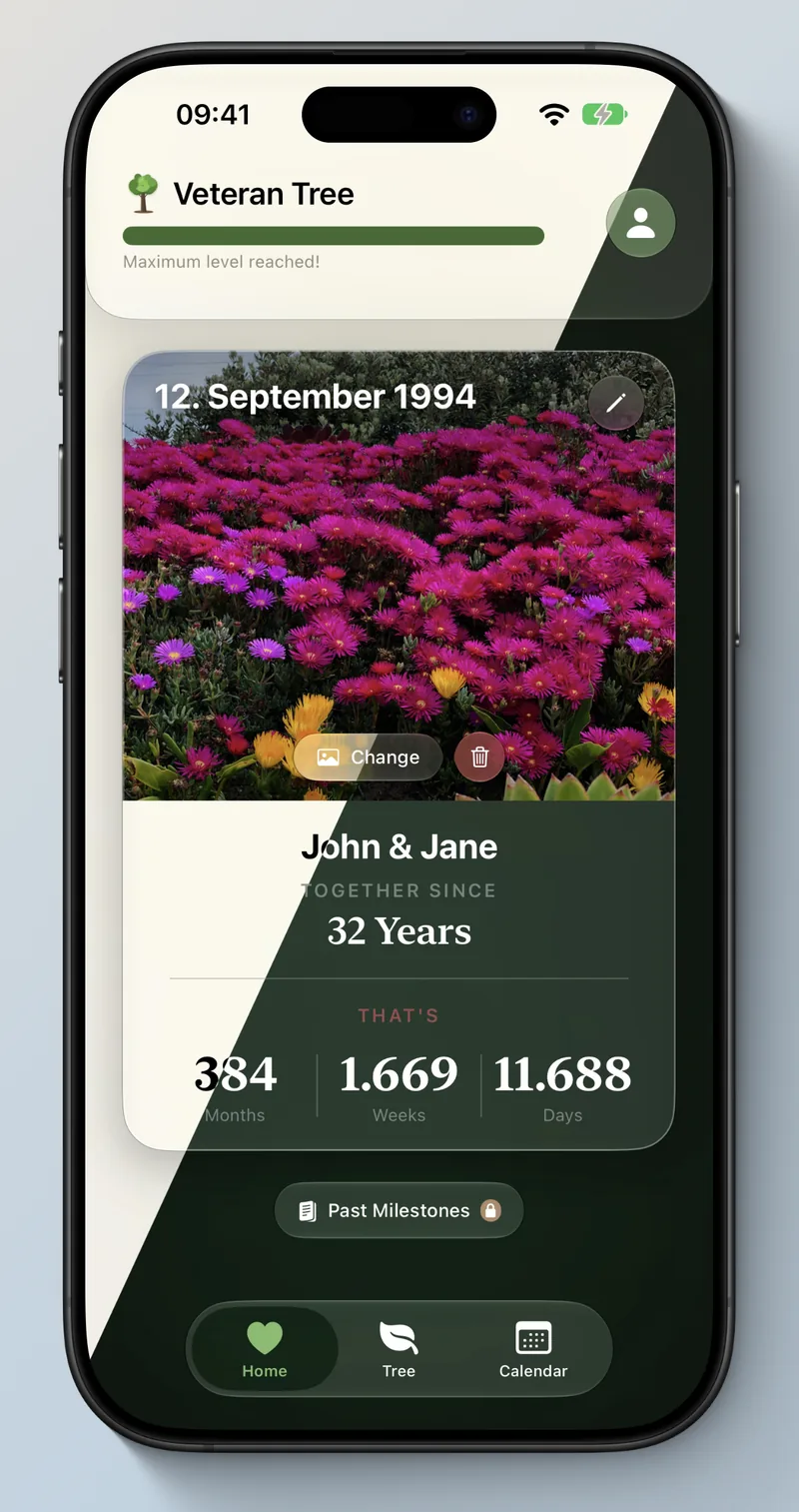
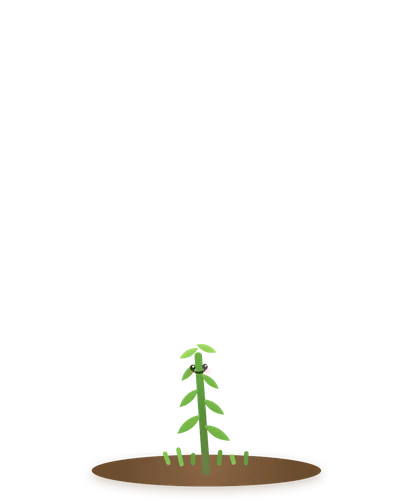
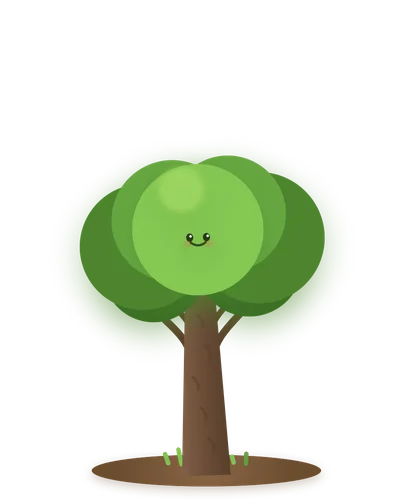
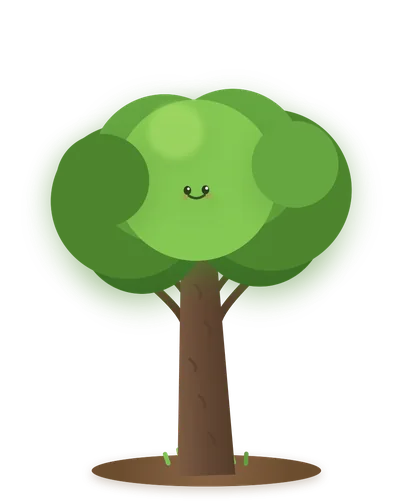
Seven stages from seed to veteran tree, with an XP bar showing exactly how far you have come and how many days remain until the next one.
Seedlore turns the time you have spent together into a living tree. It starts as a single seed and grows through seven stages — every day together makes it stronger.
The same story, wherever you look. Everything syncs through your own iCloud account — nothing passes through a server of ours.

Your tree, your journal and the shared calendar — the full app.

More room for photos and for browsing back through your months.

Your tree and your days together on your wrist — plus complications for the watch face.
Built around one idea: the things you want to remember should be easy to write down and lovely to come back to.
Seven stages from seed to veteran tree, with an XP bar showing exactly how far you have come and how many days remain until the next one.
Write with bold, italic, colours and lists. Add photos to any day and browse monthly galleries of your best moments.
Days, weeks and months together at a glance, plus a beautifully phrased duration like “3 years, 2 months, 5 days”.
Invite one partner through iCloud. Both of you can read and write, and you always see who added the last note or photo.
Monthly and yearly anniversaries, big day counts like 100, 365 or 1000, and playful nudges for repeating digits such as 111 or 222.
Add children to your family tree and switch on wedding mode for anniversaries and marriage milestones of your own.

Your tree reflects how long you have been together. It sprouts, thickens, spreads its crown — and every stage looks different enough that you notice the change.

Invite your partner and the tree, the journal and the calendar belong to both of you. Sharing runs entirely through Apple’s iCloud sharing — there is no Seedlore account to create and no server of ours in between.
No shortcuts and nothing to grind. Your tree grows because the two of you keep going.




Colours and subtle effects shift with the seasons, so opening Seedlore in January feels different from opening it in July.
Fresh greens and first buds as everything starts moving again.
Warm light, full crown, the long days of the year.
Amber tones and leaves drifting past your tree.
Cool, quiet blues — the calm before it all begins again.
Apple’s App Store privacy label for Seedlore reads “No data collected”. Here is what that means in practice.
Seedlore has no backend. Your data lives on your device and in your own private iCloud account.
No analytics, no advertising frameworks, no social SDKs. This website sets no cookies and stores no IP addresses.
Nothing to sign up for. Partner sharing uses your existing iCloud account and nothing else.
No. Seedlore has no login of its own. If you want to share with your partner, that runs through the iCloud account you already have on your device.
On your device, and in your own private iCloud account so it can sync between your devices. There is no Seedlore server in between, and the developer has no access to your entries or photos.
You invite one partner from inside the app. Sharing uses Apple’s iCloud sharing, so your partner needs an iCloud account too. Both of you can then read and write, and you can revoke access at any time in the settings.
Yes, since version 1.4. It shows your photo, how long you have been together, your tree with its current stage and the progress to the next one. There are also complications for the watch face showing your days together and the next special date. Everything arrives automatically from your iPhone.
Seedlore Premium is a one-time in-app purchase of €4.99 and unlocks everything. There is no subscription and no recurring charge. The purchase is processed by Apple; the developer never sees your payment details.
Individual journal entries can be deleted inside the app. To remove everything, delete the app from your device and manage or remove the iCloud data under Settings → your name → iCloud.
Seedlore requires iOS 26 or later and runs on iPhone, iPad and Apple Watch.
More questions will be added here as they come in through support. If something is missing, write to us — genuine questions make a better FAQ than invented ones.
Enter the day it began, and watch it grow from there. Free to download, no account, no tracking.
Download on the App Store